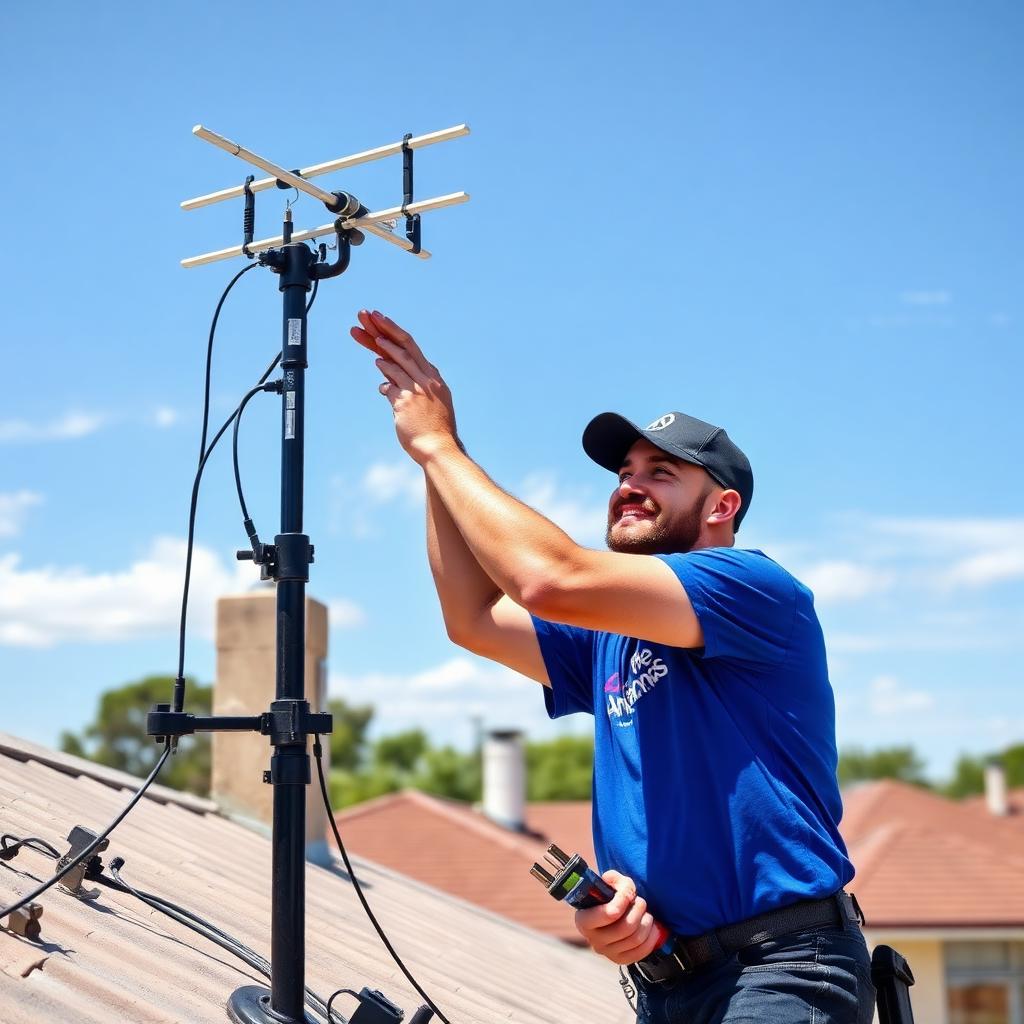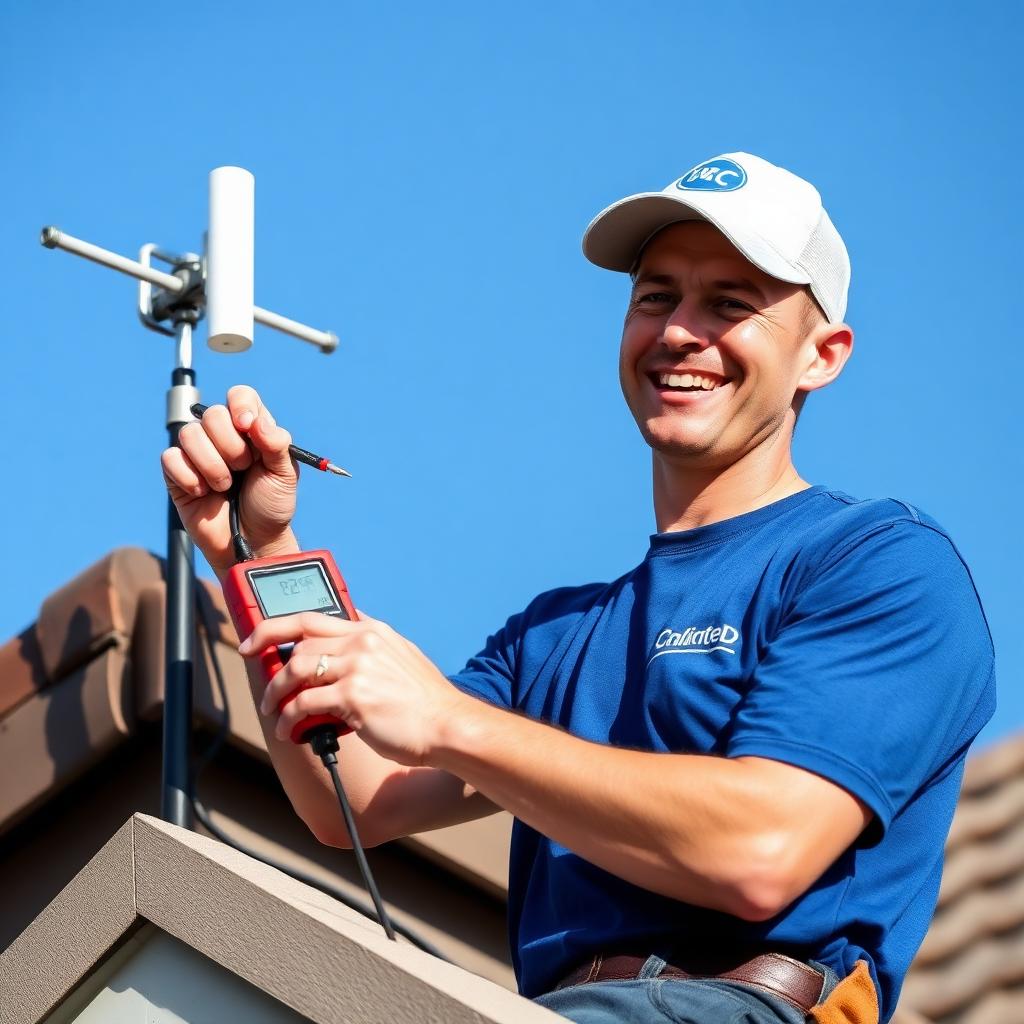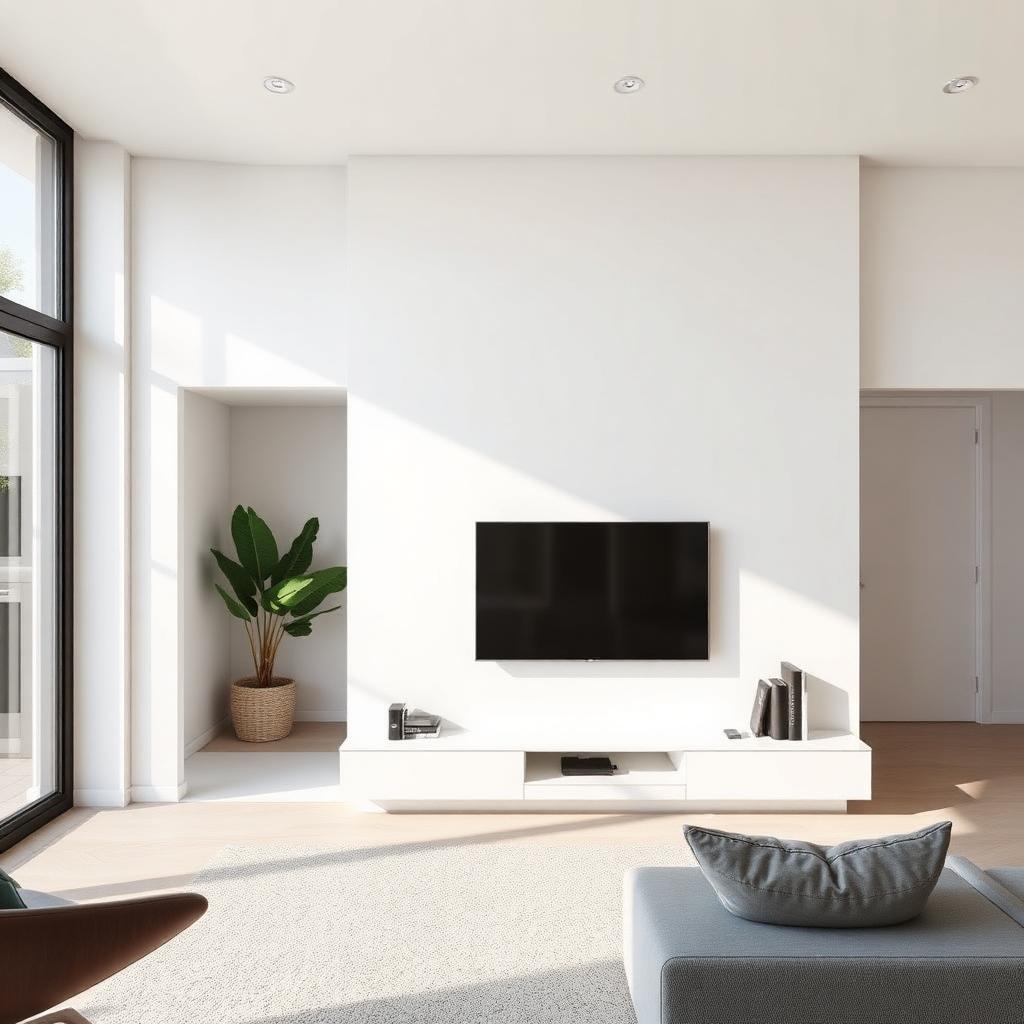
Modern Melbourne homes juggle Free-to-Air TV, Netflix, Stan, Kayo, YouTube and increasingly a Chromecast or Apple TV — and integrating them cleanly is where most DIY setups fall apart. This guide covers how professional Melbourne installers wire smart TVs so Free-to-Air, streaming and sound bars work seamlessly with a single remote, with clean cable management behind wall-mounted screens.
Why Free-to-Air Still Matters on Smart TVs
Streaming hasn't killed Free-to-Air — especially in Melbourne where the AFL, cricket, news and local weather remain overwhelmingly watched live. A properly-installed antenna future-proofs your smart TV against subscription price hikes, streaming outages and dropouts on congested NBN nodes (common in newer growth-corridor suburbs where fibre backhaul lags behind demand).
HDMI Planning Behind a Wall-Mounted TV
Most smart TVs ship with 3–4 HDMI inputs, and modern Melbourne homes routinely use every one: streaming box, gaming console, sound bar (via HDMI ARC) and Chromecast. When wall mounting, we always run a 25 mm conduit inside the wall from the TV to the AV cabinet — that way HDMI cables can be added or replaced without opening the wall again. Skipping conduit is the single biggest regret we hear from homeowners.
Sound Bars, HDMI ARC and Universal Remotes
Connect your sound bar via HDMI ARC (or eARC on newer models) rather than optical — ARC allows the TV remote to control soundbar volume and switches inputs automatically. For Melbourne families juggling multiple devices, a Logitech Harmony-style universal remote or a smart-speaker voice setup (Google Nest, Amazon Echo) keeps things simple. We wire everything to work off one remote before we leave.
Wi-Fi vs Ethernet for Streaming Reliability
Wi-Fi is convenient but variable — especially in double-brick Melbourne homes where walls block 5 GHz signal. For 4K streaming, always run an Ethernet cable to the TV when the wall is open during install. It costs almost nothing extra during antenna cabling and eliminates buffering forever. If retrofitting isn't practical, a mesh Wi-Fi node near the TV is the next best option.
Need a Melbourne antenna technician today?
Same-day service · No call-out fee · 12-month workmanship guarantee.